 TanStarter 文档
社交媒体
配置社交媒体链接
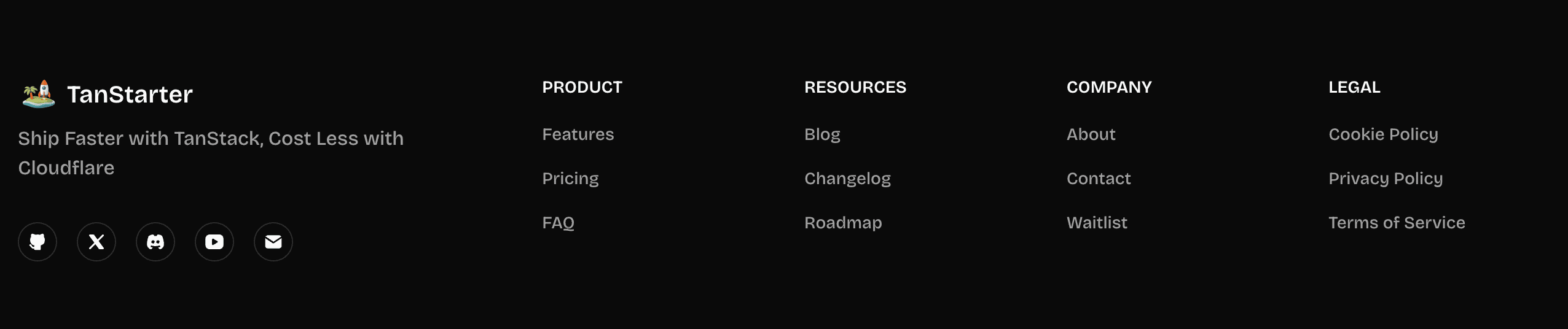
管理网站上显示的社交媒体链接,每个项目都是 MenuItemConfig。
export function getSocialLinks(): MenuItemConfig[] {
  const social: MenuItemConfig[] = [];
  const config = websiteConfig.social;

  if (config?.github) {
    social.push({
      title: 'GitHub',
      href: config.github,
      icon: IconBrandGithubFilled,
      external: true,
    });
  }

  // 其他社交链接: twitter, blueSky, mastodon,
  // discord, youtube, linkedin, facebook, instagram,
  // tiktok, telegram...

  const supportEmail = getMailtoUrl(websiteConfig.mail?.supportEmail);
  if (supportEmail) {
    social.push({
      title: 'Email',
      href: supportEmail,
      icon: IconMailFilled,
      external: true,
    });
  }
  return social;
}
它根据 website.ts 配置中提供的 URL 动态生成社交媒体链接,同时如果配置了支持邮箱也会附加一个邮件链接。
下一步
现在您了解了社交媒体配置,请探索其他相关主题: