 TanStarter Docs
Sidebar Menus
Configuring the navigation menu for dashboard pages
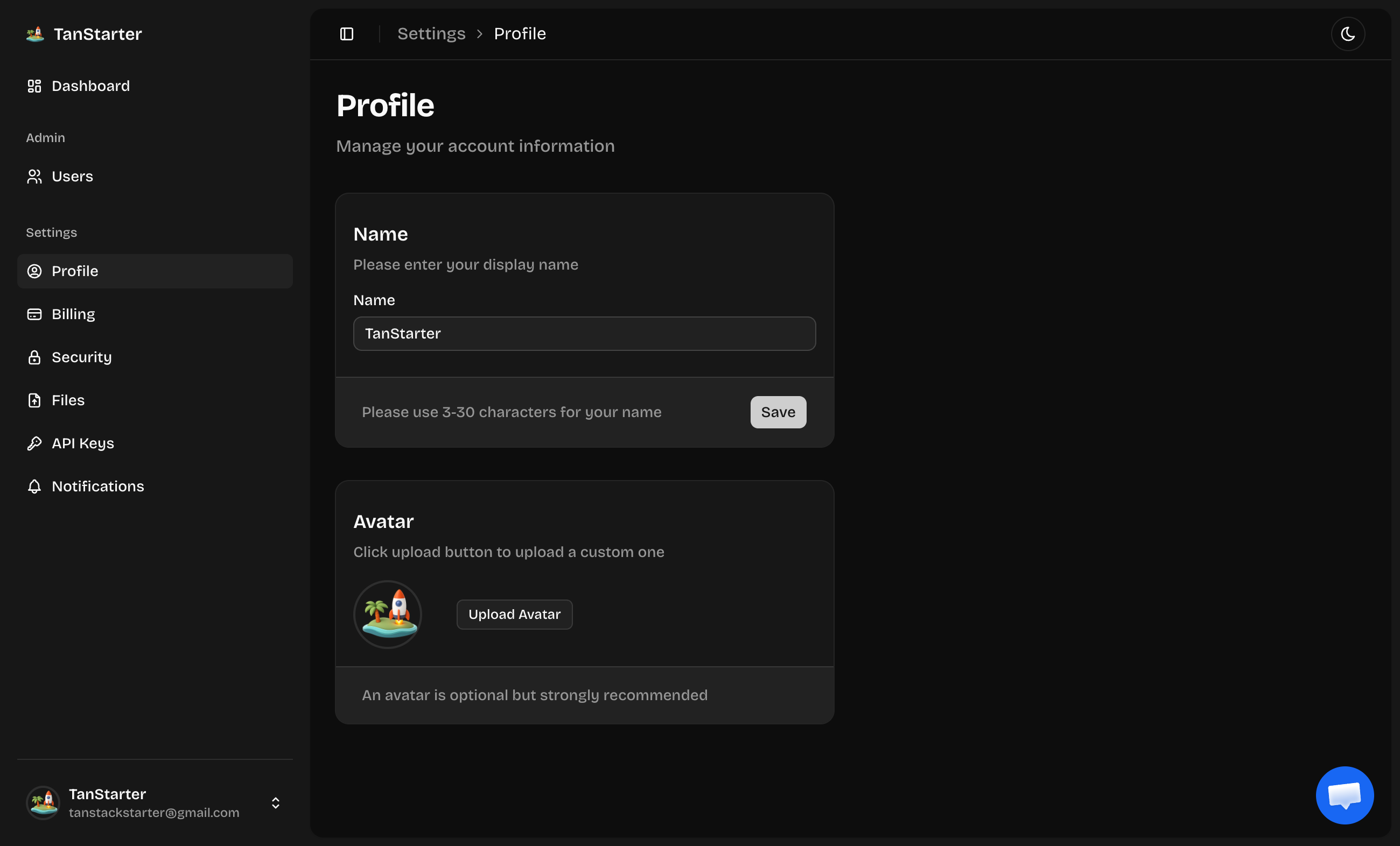
Defines the navigation menu for dashboard/admin pages, each item is MenuItemConfig.
export function getSidebarLinks(): MenuItemConfig[] {
  return [
    {
      title: m.dashboard,
      icon: IconLayoutDashboard,
      href: Routes.Dashboard,
      external: false,
    },
    {
      title: am.title,
      icon: IconShieldCheck,
      authorizeOnly: ['admin'],
      items: [
        {
          title: am.users.title,
          icon: IconUsers,
          href: Routes.AdminUsers,
          external: false,
        },
      ],
    },
    {
      title: m.settings,
      icon: IconSettings2,
      items: [
        { title: m.profile, icon: IconUserCircle, href: Routes.SettingsProfile },
        // billing (conditional on payment.enable)
        { title: m.security, icon: IconLock, href: Routes.SettingsSecurity },
        { title: m.files, icon: IconFileUpload, href: Routes.SettingsFiles },
        { title: m.apiKeys, icon: IconKey, href: Routes.SettingsApiKeys },
        { title: m.notifications, icon: IconBell, href: Routes.SettingsNotifications },
      ],
    },
  ];
}
The sidebar configuration is similar to the navbar but is specifically designed for the dashboard area. It supports:
- Top-level links with icons
- Expandable sections with nested items
- Only visible to specific roles through the
authorizeOnlyproperty
The sidebar is ideal for providing different menus based on user roles, such as ordinary users only seeing the dashboard, and administrators seeing the user management pages.
Next Steps
Now that you understand the sidebar configuration, explore these related topics: